
You will receive a shipping notification once your order ships. Once your order ships, we will send tracking information in a shipping confirmation email.
Note: Tracking information is updated throughout the day and each morning. If you placed your order today during business hours, your shipping information will typically update within 1 business day.
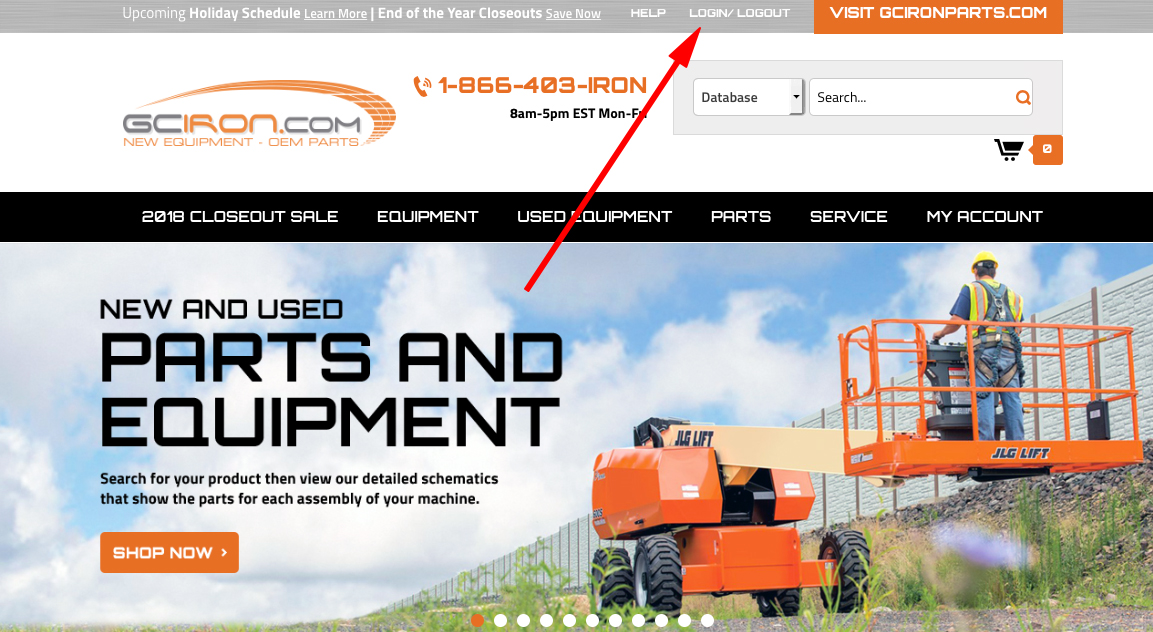
- You can log in to your account on our website to view your order's tracking information. Please click the login button in the top corner of the website to log in.
- Once you are logged in, you should be taken to the following page to manage your account. If you are not, you may need to click the "Order Status" button at the bottom of the screen.
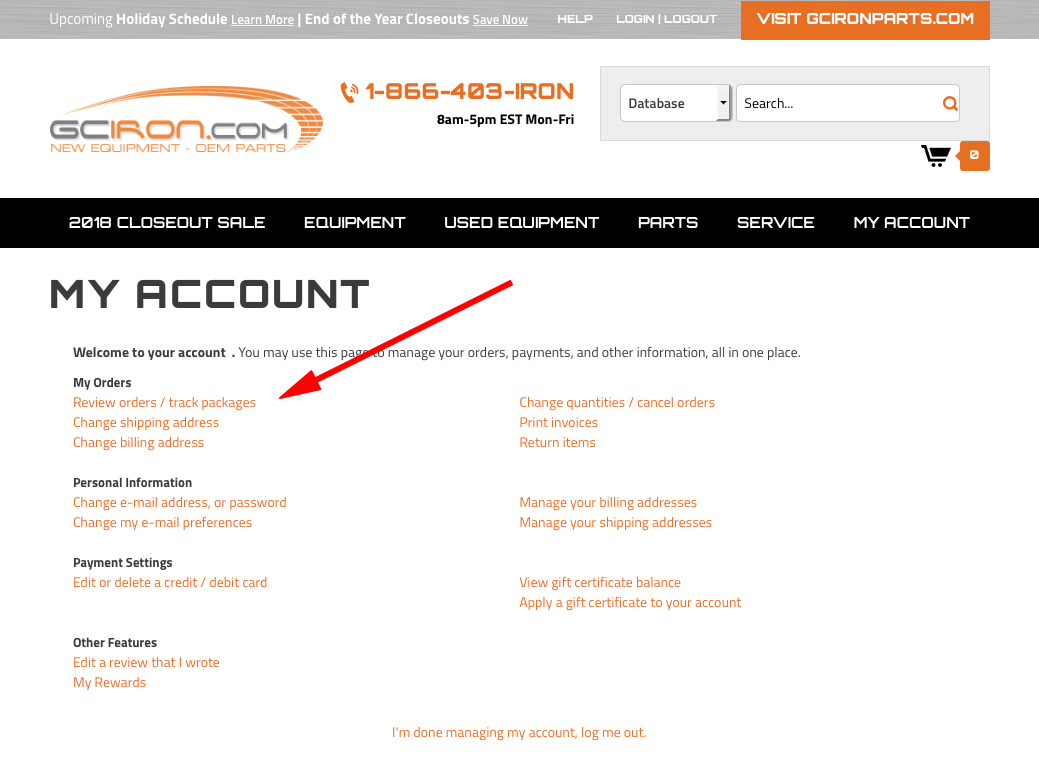
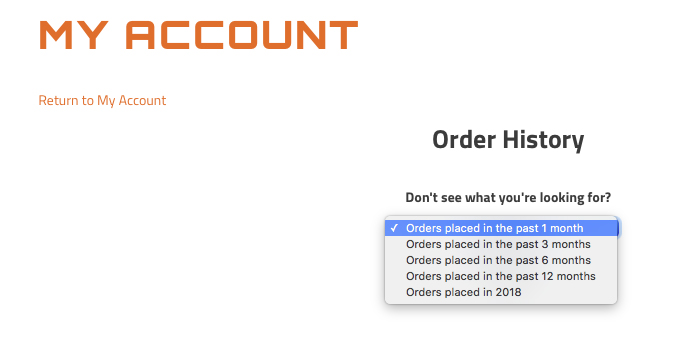
- Click "Track Packages" and you'll be taken to a screen with your orders. If your orders do not appear, you may need to change the time period you are searching. Use options from the drop-down menu to choose a different time span.
- Once you've found your order, you should be able to click on it to view the status of the order.
- Notes/Exceptions:
- If your order was backordered, it will not have tracking information available until it ships.
If you believe that your order shipped and you are unable to find shipping information, contact our customer support group.
Comments
0 comments
Please sign in to leave a comment.